

- Published on
Deploy a Next.js app to GitHub Pages
- Authors

- Name
- Francisco Caicedo Narvaez
- @_Francisco_CN
Not long ago I made the decision to start sharing my dev experiences in a blog, and why not starting by describing the steps I took to get a Next.js app (This Blog) deployed to GitHub Pages.
The app I am using is a stater template cloned from Vercel templates.
Create a repository
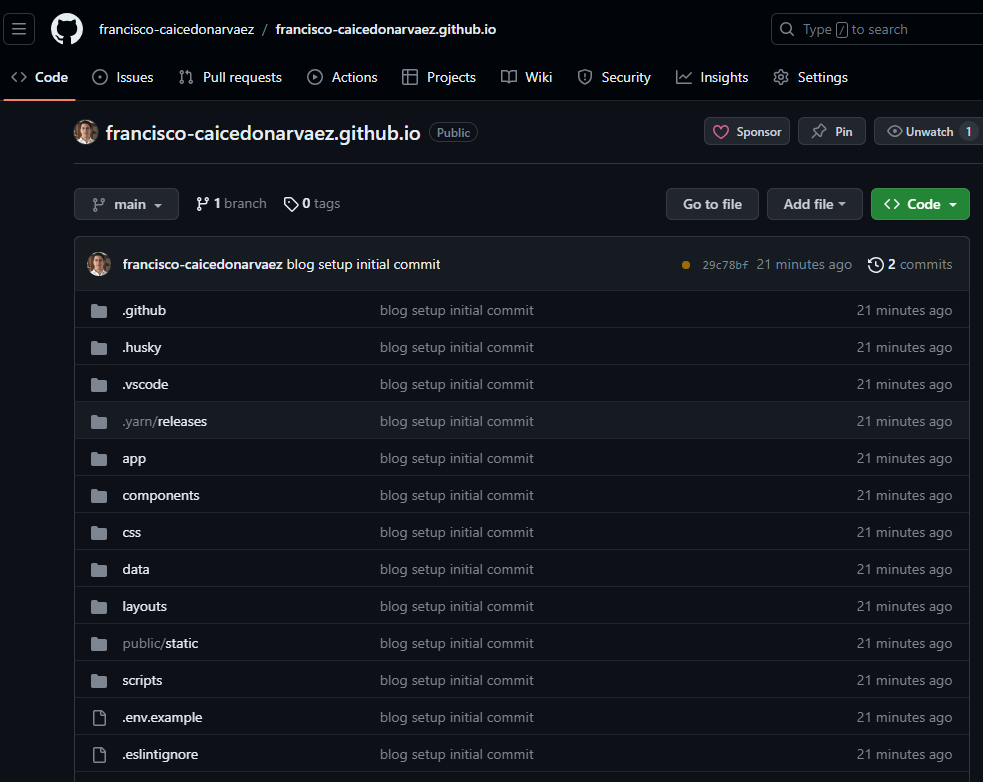
- First, start by creating a public repository in GitHub using the following naming convention <github_username>.github.io. The repository name must start with your username to work.
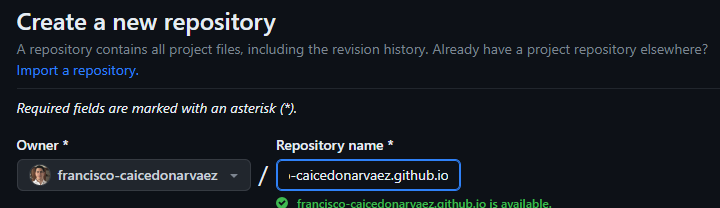
- Clone the repository using your git client of preference.

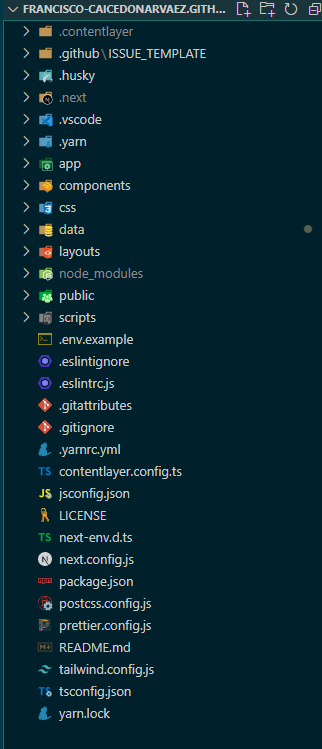
- Create or add your existing Next.js app to the repository. In my case, I cloned the starter template from Vercel templates and updated the code to my taste.
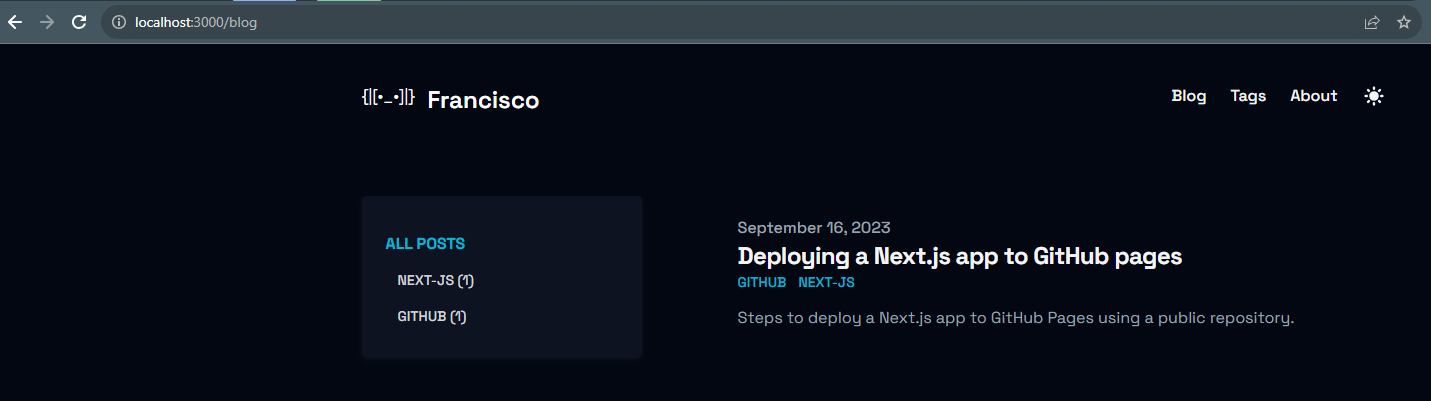
- Ensure your app is running locally.
This app uses yarn package manager, so I ran the following command to test it works in the browser.
yarn dev
- Once tested, commit and push your changes to GitHub
Configure Pages
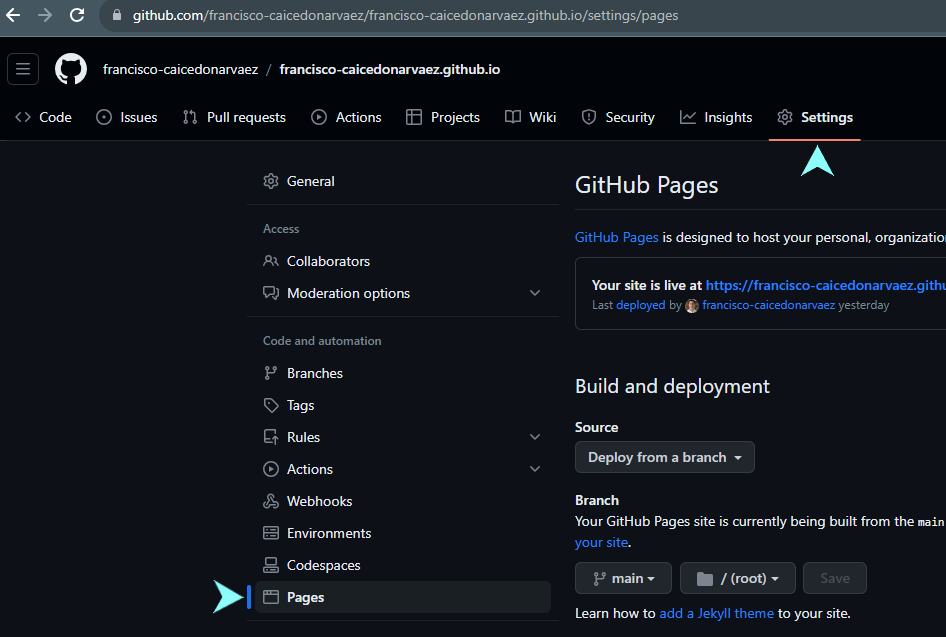
- In GitHub, go to the <github_username>.github.io repository and navigate to Settings > Pages.
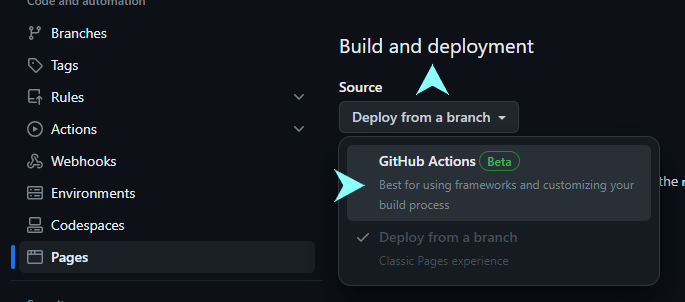
- Under Build and deployment section, click on the Source dropdown and choose GitHub Actions.
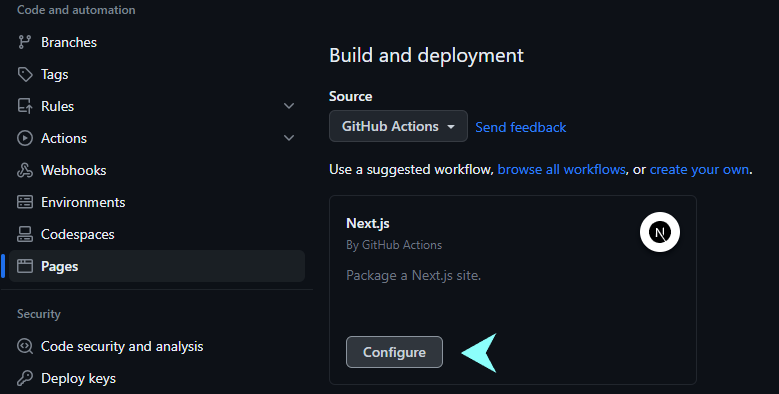
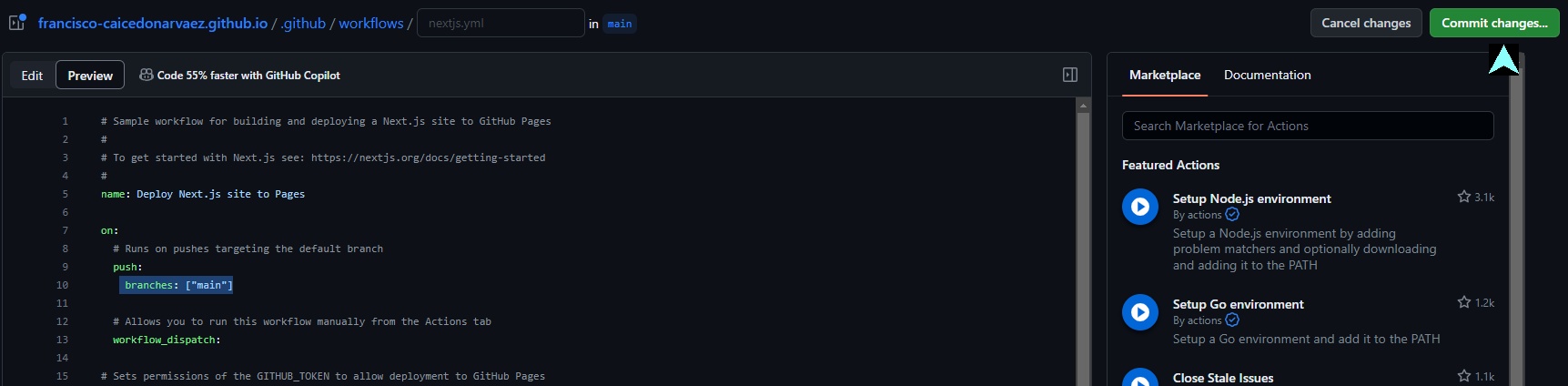
- A new GitHub workflow will display underneath. Click on Configure button
- This workflow will run every time a commit is made to the main branch, building and deploying your app as soon as it happens.
Save workflow by clicking on Commit Changes button.
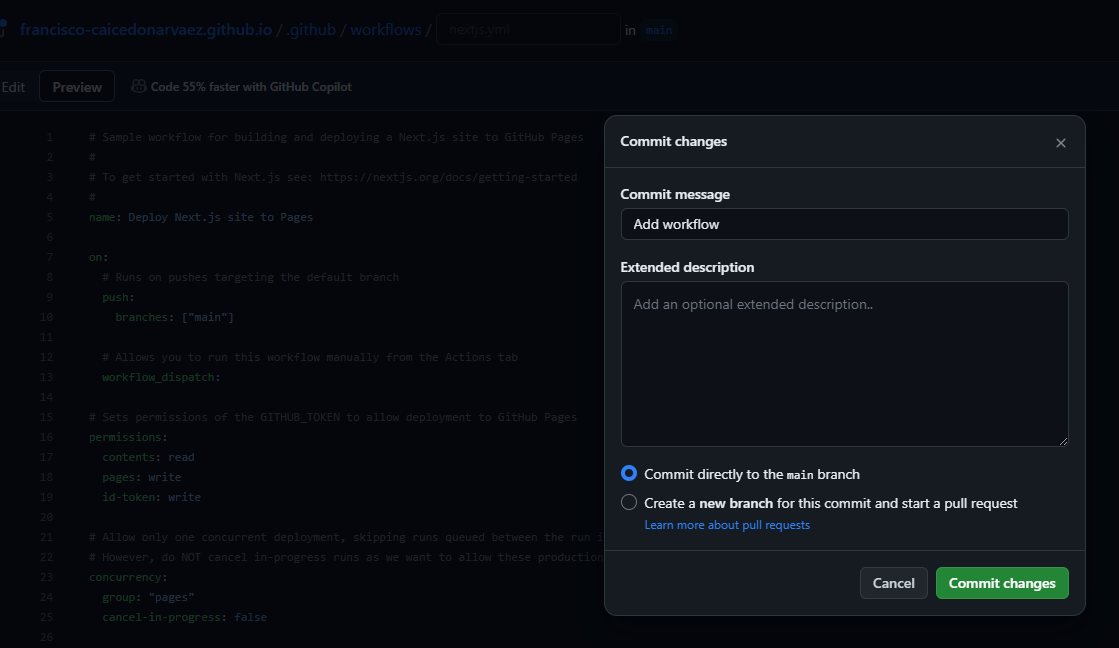
- Add your commit message and click on Commit Changes
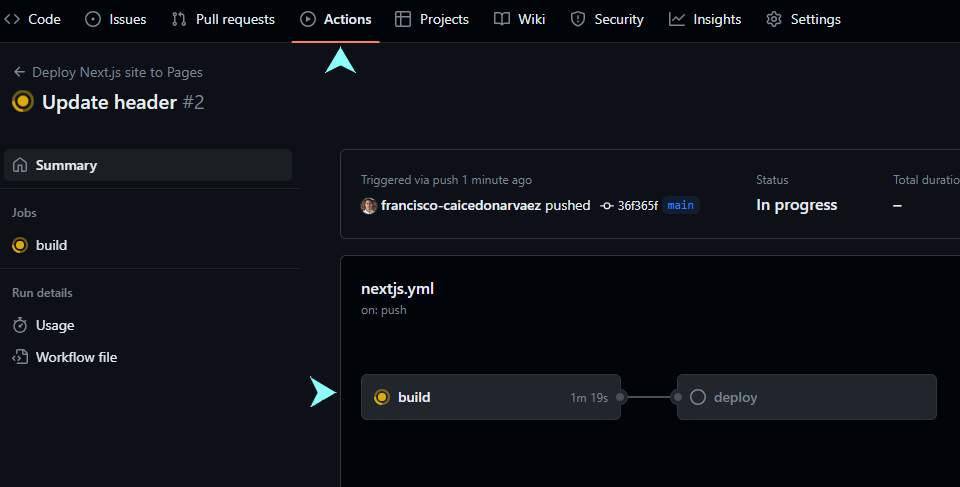
- Navigate to Actions tab and check the deployment progress.
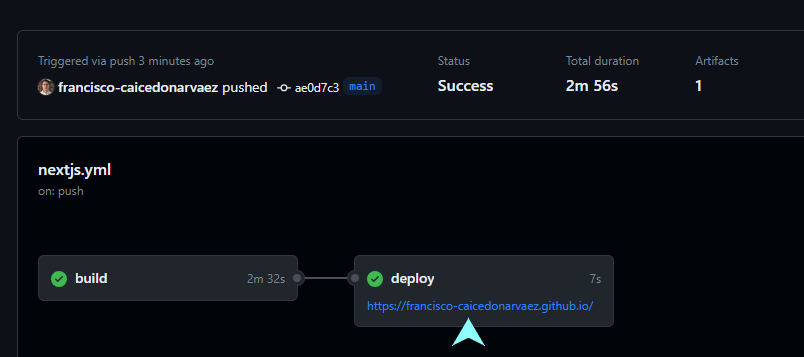
- Once deployment is complete, you can navigate to the URL provided in the deploy job.
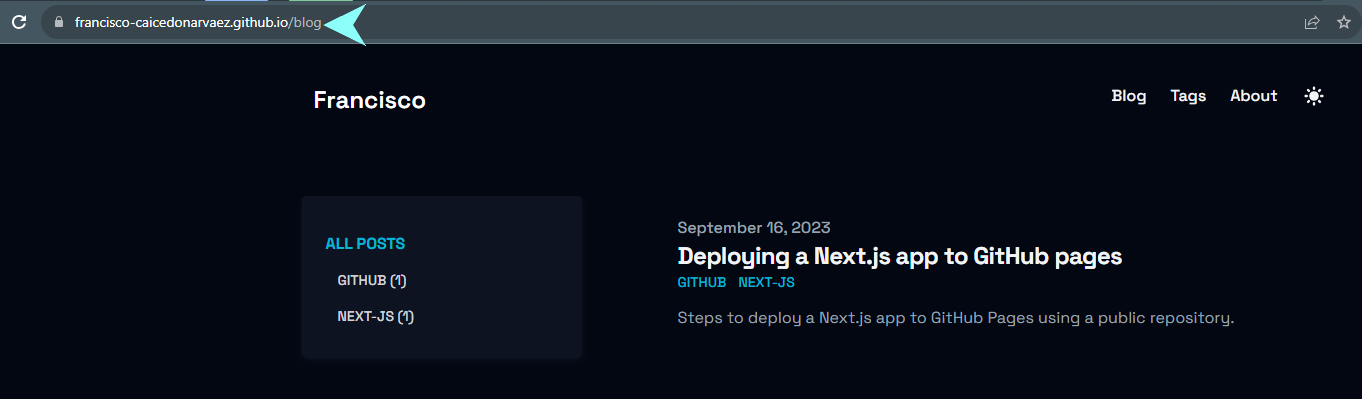
- And this is it! You have a Next.js app running in GitHub Pages